
Add Key
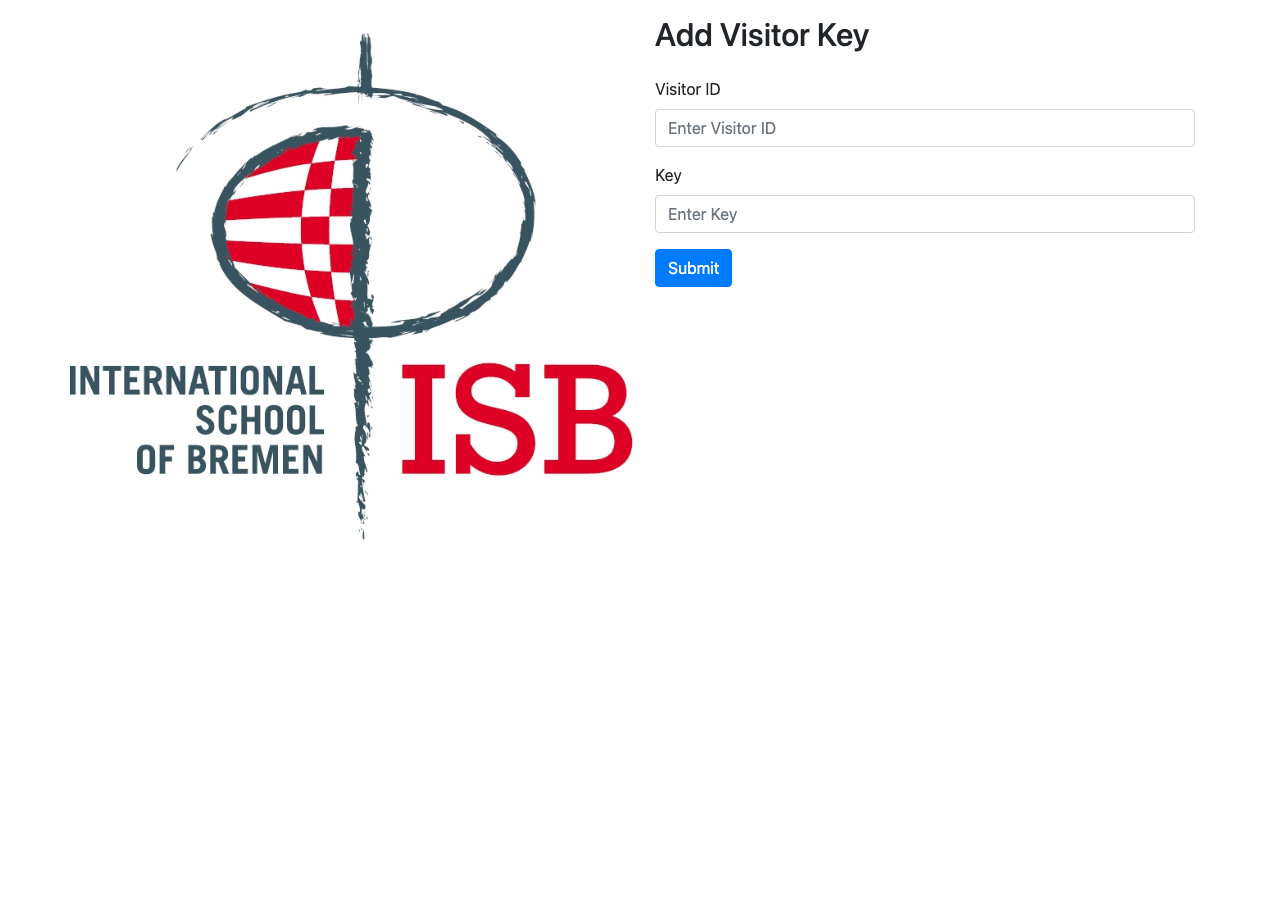
The Add Key page allows staff to link a new RFID key to an existing visitor record.
When to Use
Use this page when:
- A new RFID key needs to be assigned to a visitor
- A visitor's old key was replaced
- Setting up keys in bulk during enrollment
How to Use
1
Open the Add Key page. Navigate to /add on the terminal.
2
Enter the Visitor ID. Type the ID of the visitor who should receive the new key.
3
Scan or enter the Key ID. Scan the new RFID key or type its identifier manually.
4
Submit. The system links the key to the visitor. A confirmation message appears on success.
WARNING
Each RFID key can only be linked to one visitor. If a key is already assigned, it must be removed from the previous visitor first (via the Admin Panel).
Key Management
- A visitor can have multiple keys (e.g., a card and a fob).
- Keys can be added or removed through the Admin Panel → Visitors section.
- Each key has a unique identifier that the RFID reader uses for lookup.