
Manual Registration
The Manual Registration page allows visitors to sign in or sign out by typing their student ID instead of scanning an RFID key.
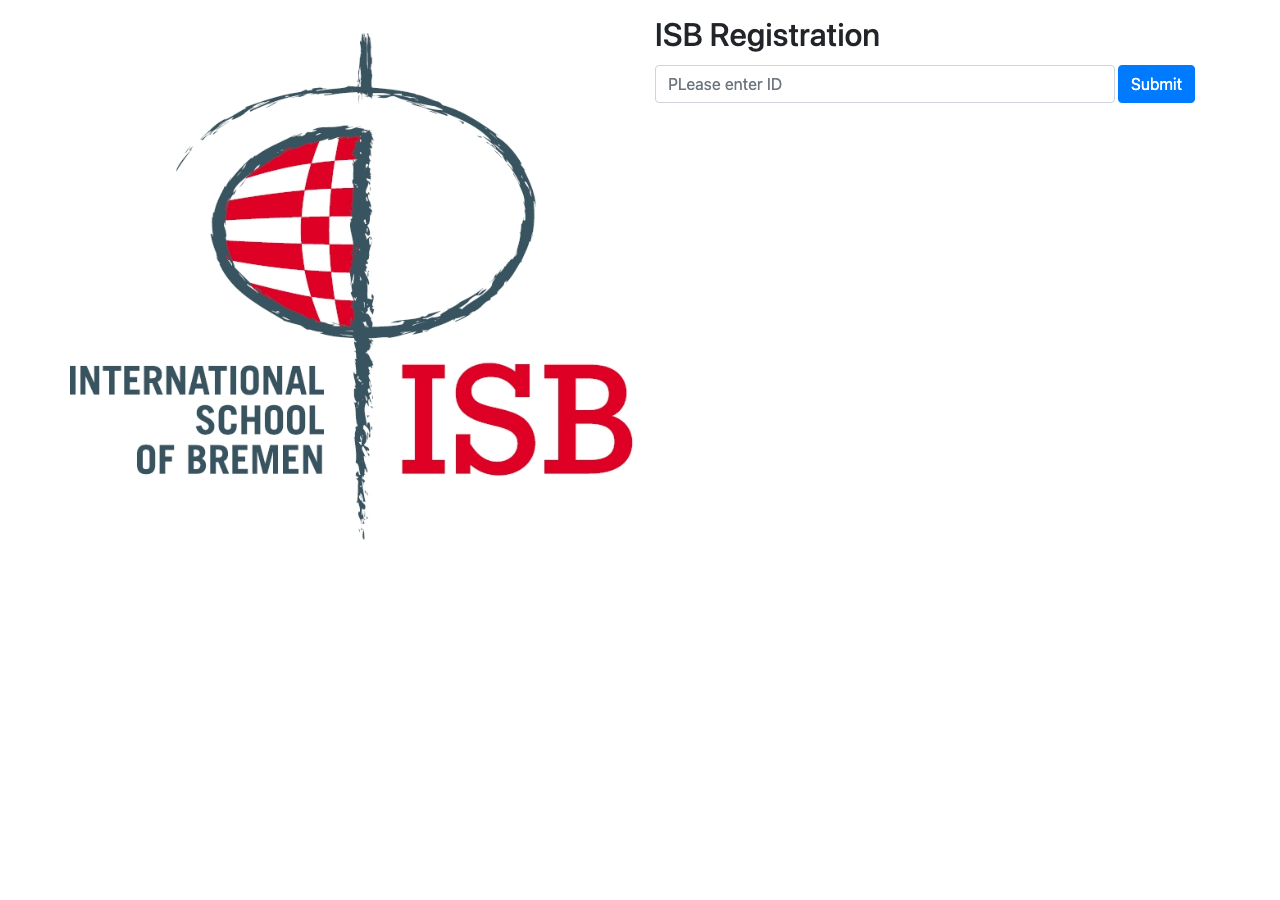
When to Use
Use manual registration when:
- The visitor does not have an RFID key yet
- The RFID key is lost or not working
- A staff member needs to register a visitor manually
How to Use
1
Open the manual registration page. Navigate to /manual on the terminal or open it in a browser.
2
Enter the student ID. Type the visitor's ID number in the input field.
3
Submit the form. Press Enter or click the Submit button. The system searches for the visitor by their ID.
4
View the result. If the visitor is found, the system records a sign-in or sign-out event, just like with the RFID reader.
TIP
The sign-in/sign-out logic works the same way as the RFID Reader — the system alternates between sign-in and sign-out based on the last recorded event.